

The Apple TV 4K is a $129 streaming box powered by Apple's A15 Bionic chip that outputs 4K Dolby Vision video and Dolby Atmos audio — with no ads on the home screen and an interface that stays fast years after you first plug it in.
According to Apple's official Apple TV 4K product page, the device supports HDR10+, HDMI 2.1, and Thread-based smart home networking, with a $149 model adding Gigabit Ethernet and extra internal storage.
That's the spec sheet. The actual reason people keep this box for years instead of swapping to something cheaper is more blunt — it doesn't get slow, and in the streaming box world, that's rarer than it has any right to be.
- Apple TV 4K starts at $129 for Wi-Fi and $149 for Wi-Fi + Ethernet with extra storage, both powered by Apple's A15 Bionic chip.
- The Apple TV streaming service costs $12.99 per month and includes originals like Severance, Ted Lasso, and The Morning Show, plus live sports through MLS Season Pass, select MLB games, and Formula 1 deals.
- New Apple device buyers receive three months of Apple TV free; a seven-day trial is available for everyone else.
- Family Sharing supports up to six accounts with separate recommendation profiles and a dedicated kids section.
- The box runs Netflix, Disney+, Prime Video, Hulu, and YouTube alongside Apple's own content — one remote for your entire setup.
- Apple TV 4K uses the A15 Bionic chip, the same processor found in the iPhone 13 series released in 2021.
- Video output reaches 4K at 60fps with Dolby Vision, HDR10, HDR10+, and HLG support across all formats.
- Dolby Atmos spatial audio works over HDMI ARC/eARC to compatible soundbars and AV receivers.
- The Siri Remote charges via USB-C and is rated for several months per charge — no AAA batteries required.
- The $149 model includes a Thread radio, enabling it to function as a Matter-compatible smart home hub without a separate device.
- Apple TV dropped the "+" branding in late 2025, consolidating hardware and service under the single Apple TV name.
- The Apple TV app aggregates third-party content into one unified watchlist across Netflix, Disney+, Hulu, and Prime Video.
Apple TV 4K Hardware: What You Actually Get for $129 and $149
The Apple TV 4K is a small black puck — roughly the dimensions of a hockey puck cut in half. It connects to your TV via HDMI, draws power from a single cable, and runs entirely on Apple's A15 Bionic chip.
That chip matters. Menus open immediately. Apps load fast. 4K content plays without buffering artifacts even at peak bitrates. The A15 was Apple's flagship mobile processor in 2021 — running a streaming interface in 2026, it has years of headroom left before it feels dated.
The base $129 model handles Wi-Fi 6 and covers everything most setups need. The $149 model adds Gigabit Ethernet for wired connections, more internal storage, and Thread radio support — which makes it a hub for Matter smart home devices without a separate Hub device.
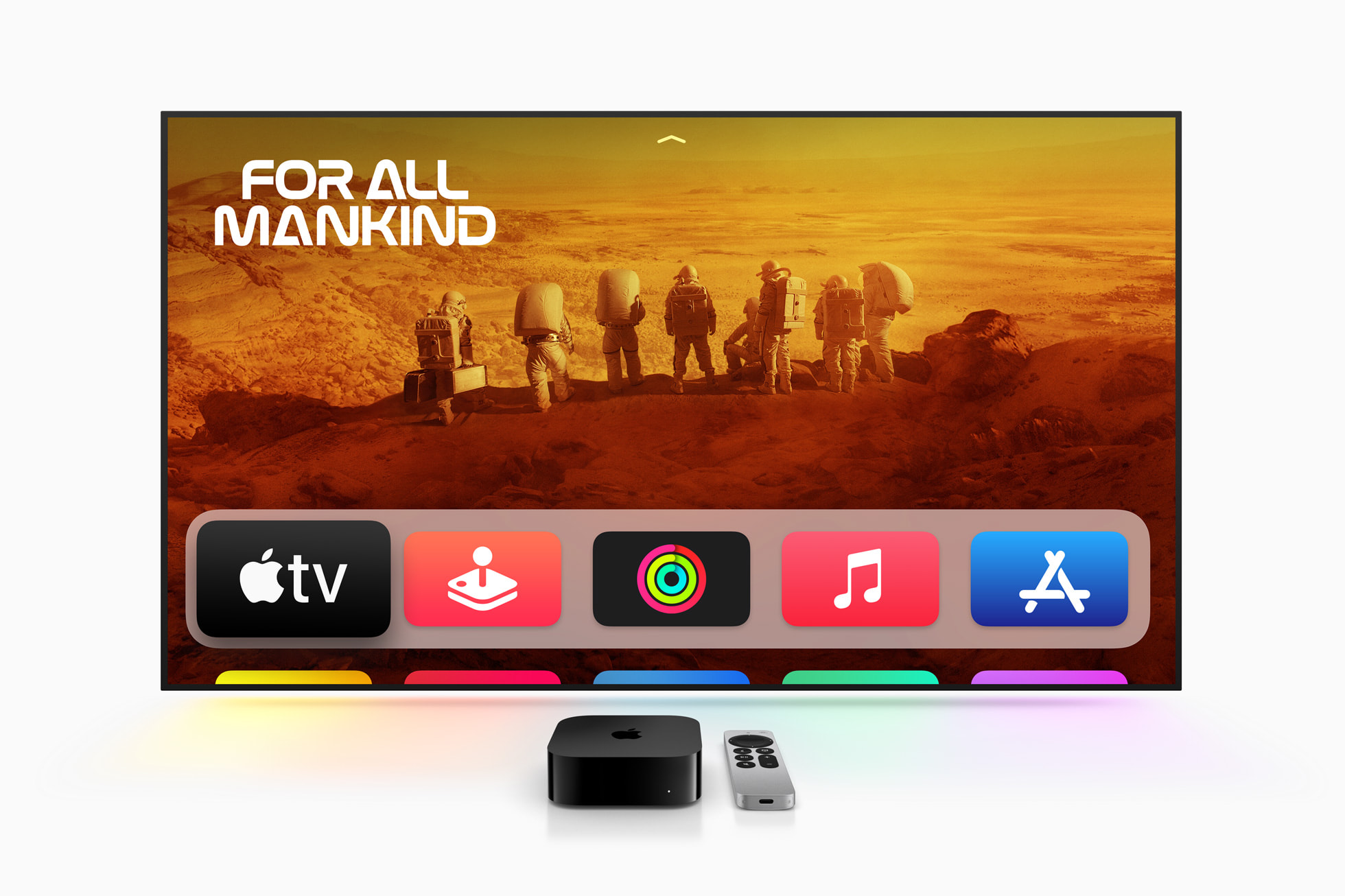
The Siri Remote is the standout piece of hardware. A clickable circular trackpad handles all navigation with satisfying physical feedback. A dedicated Siri button handles voice search. It controls your TV's volume and power through HDMI-CEC — no separate TV remote needed. USB-C charging means no dead batteries mid-season-finale.
Picture quality is the part most people underestimate. Per Apple's full specifications, Dolby Vision, HDR10+, and Dolby Atmos are all correctly implemented — not just listed on a box. A decent TV fed through this box looks noticeably better than the same TV running its built-in smart interface.
Apple TV Service Price and Content: What's Actually Worth Watching
Apple TV costs $12.99 per month as of 2026. New Apple device buyers get three months free. Everyone else gets a seven-day trial before the billing starts.
The catalog is intentionally smaller than Netflix. Apple funds originals with real production budgets — name directors, A-list casts, stories that actually end rather than stretching for six seasons of diminishing returns. When they miss, they miss expensively. When they hit, they hit differently.
The shows worth your time: Severance (a genuinely unsettling workplace psychological thriller that earned its cultural moment), Ted Lasso (the feel-good sports comedy that's as good as advertised), The Morning Show (a media industry drama that gets sharper with each season). Sports adds MLS Season Pass for soccer, select MLB Friday Night Baseball games, and Formula 1 content that's drawn in motorsport fans who didn't have a good streaming home before.
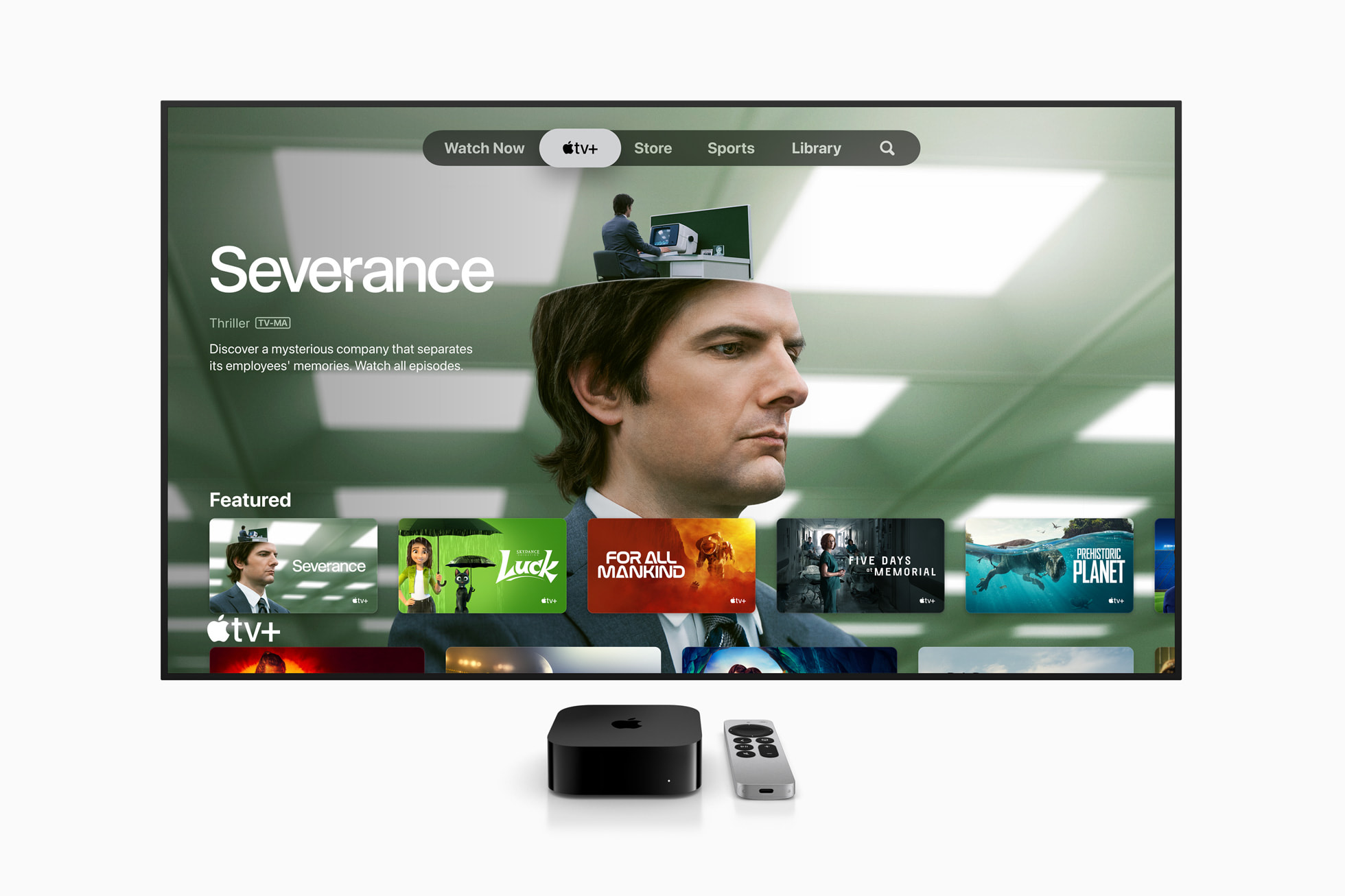
The honest read: Apple TV isn't your primary streaming service. It's the one you add alongside Netflix for the originals that are actually worth finishing. The hit rate is higher than most competitors, but the raw catalog size isn't in the same conversation as Disney+ or Prime Video.
Family Sharing works cleanly with up to six accounts and separate recommendation profiles. The kids section is properly built out — not just a content filter, but a separate discovery experience designed for younger audiences.
Apple TV vs Fire Stick vs Roku: Which Streaming Box Wins in 2026
The right streaming box depends entirely on what you're optimizing for. Three products dominate the category — and they're making very different trade-offs.
| Feature | Apple TV 4K ($129) | Amazon Fire Stick 4K Max ($60) | Roku Streaming Stick 4K ($50) |
|---|---|---|---|
| Chip performance | Apple A15 Bionic | MediaTek MT8696T | Quad-core processor |
| 4K / Dolby Vision | ✅ Yes | ✅ Yes | ✅ Yes |
| Dolby Atmos | ✅ Yes | ✅ Yes | ✅ Yes |
| Ads on home screen | ❌ None | ✅ Yes (sponsored rows) | ✅ Yes (Roku Channel ads) |
| Smart home hub | ✅ Thread / Matter ($149) | ⚠️ Alexa only | ❌ No |
| AirPlay / Apple ecosystem | ✅ Native | ❌ No | ⚠️ Limited |
| Remote charging | ✅ USB-C | ❌ AAA batteries | ❌ AAA batteries |
| Price | $129–$149 | $60 | $50 |
The $70–$80 price gap between Apple TV and the cheaper options is real. Fire Stick and Roku absolutely handle the core job of getting you to Netflix. Where Apple wins is everything surrounding the streaming — no sponsored content pushing their own products at you, no algorithm shaped by advertising deals, and a remote that doesn't interrupt you for batteries twice a year.
If you're already in the Apple ecosystem with an iPhone and AirPods, the integration compounds fast. Your iPhone becomes a second remote automatically. AirPlay means anything on your Mac screen goes to the TV in two taps. That's not available on either competing platform.
Apple TV Ecosystem Features: AirPlay, Arcade, and Smart Home
Most first-time buyers discover the ecosystem features over the first few months and realize they're getting more than a streaming box.
AirPlay sends anything from an iPhone, iPad, or Mac to the TV — videos, photos, browser tabs, presentations. No setup steps on a shared network. FaceTime on the TV sounds like a gimmick until you use it with a wide-angle desk camera for a living room group call. It works, and it's noticeably more natural than a laptop camera on a side table.
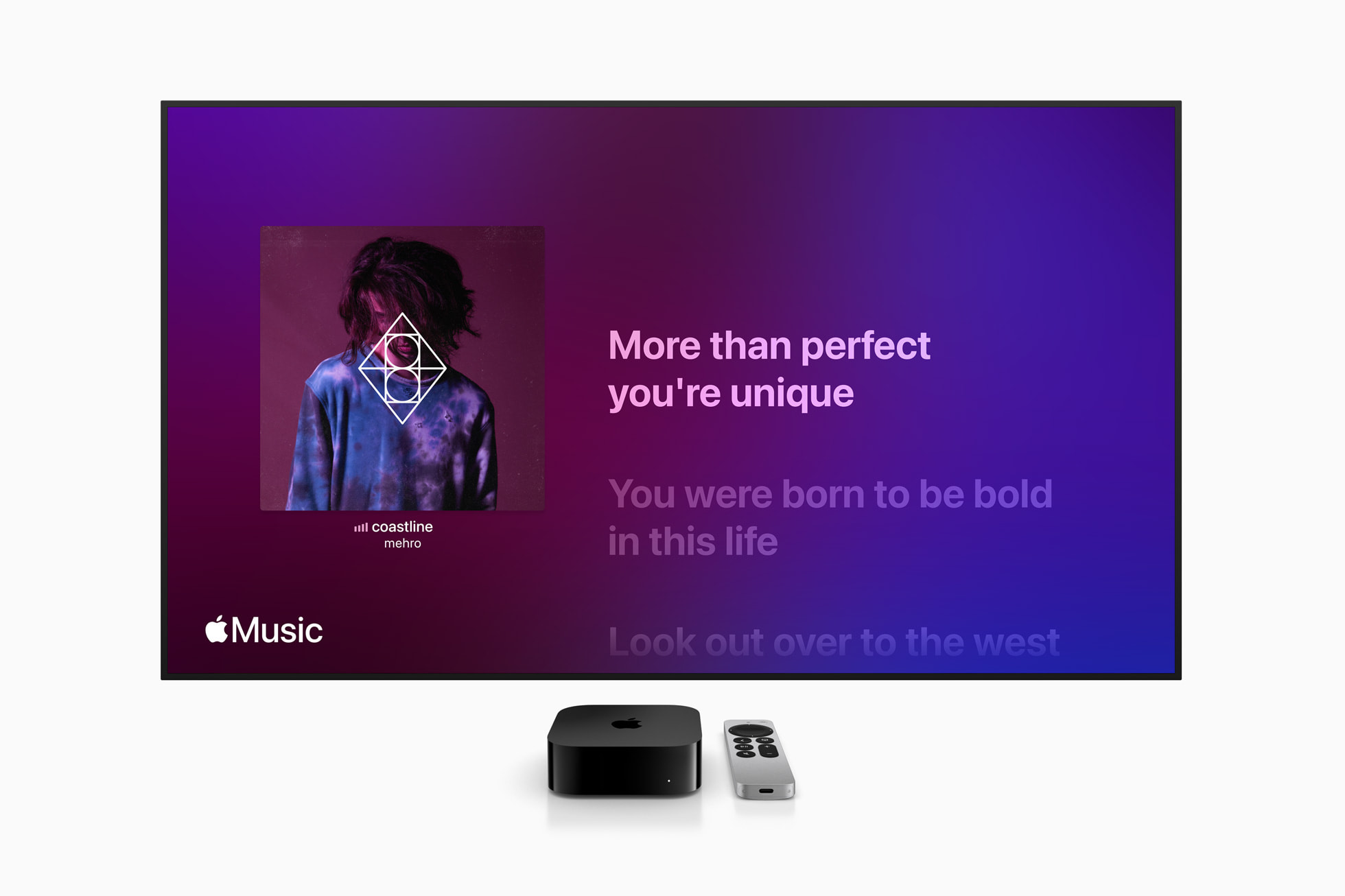
Apple Arcade turns the Apple TV into a casual living room gaming console with a paired Bluetooth controller. It won't replace a PlayStation, but for families or anyone who wants games without extra hardware costs, it's a real addition to the $12.99-per-month value equation.
The $149 model's Thread radio is worth calling out separately. If you're building out a smart home with Matter-compatible devices — lights, locks, thermostats, sensors — the Apple TV handles the hub role without a dedicated device like a HomePod mini. For households already planning that setup, the $20 upgrade cost makes obvious sense.
Who Should Buy Apple TV 4K — and Who Should Skip It in 2026
Skip it if your only goal is cheap access to Netflix and picture quality isn't a priority. A Fire Stick or Roku gets you there for $50–$60 less and does the basics without drama.
Buy it if any of these apply to you:
- You use an iPhone, Mac, or AirPods and want your TV pulled into that ecosystem without friction.
- The sponsored recommendations and slow menus on your current smart TV or streaming stick have become genuinely irritating.
- You want 4K that looks materially different from standard HD — Dolby Vision implemented correctly is not the same as a spec checkbox.
- You want a box that's still fast in 2029 — the A15 Bionic has years of headroom left.
- You're building a smart home and want the $149 model to double as a Thread hub.
The case for the price comes down to this: if Apple TV 4K replaces a slow, ad-filled smart TV interface you fight with every night, the $129 pays for itself in recovered patience within the first month. People who make that switch almost never go back. That pattern means something.
Frequently Asked Questions
Apple TV 4K doesn't win on library size or price. It wins on the thing streaming boxes almost never get right: staying out of the way. No ads on the home screen. No algorithm shaped by sponsor deals. No menus that slow down after 18 months. For $129, that's a more compelling argument than most people expect going in — and an almost impossible one to walk back once you've experienced it.
Enjoy this article? Follow us on Google to see more content like this.
 Add as a preferred source on Google
Comments
Post a Comment